|
Kaffeine - Dual Drive CD and DVD Playback Settings
For : Mepis Linux 6.0 final - 6.5 Betas - RC1 by : je.saist This guide is another specific system guide. On many older systems it might be common to find a CD-Writer and a DVD-ROM drive. Some of the times the DVD drive will be the master drive, and sometimes it will be the slave drive. If the DVD driver is the Slave drive some applications may have difficulty accessing it to play DVD movies. This guide covers modifying Kaffeine to read the DVD drive on systems with both drive types installed. This guide probably will not work on systems with two DVD drives installed. 1: To open up Kaffeine, go to the K-Menu 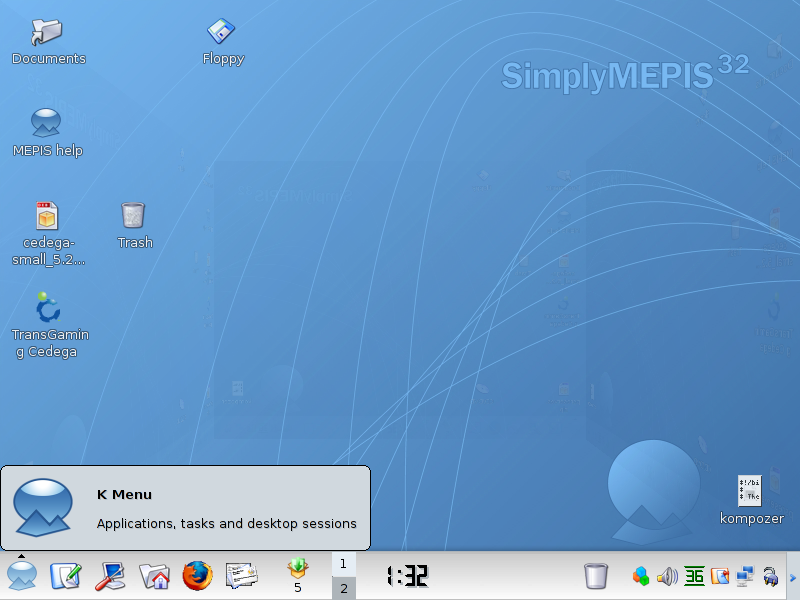 2: Mouse up to Multimedia then Left Click on Kaffeine. 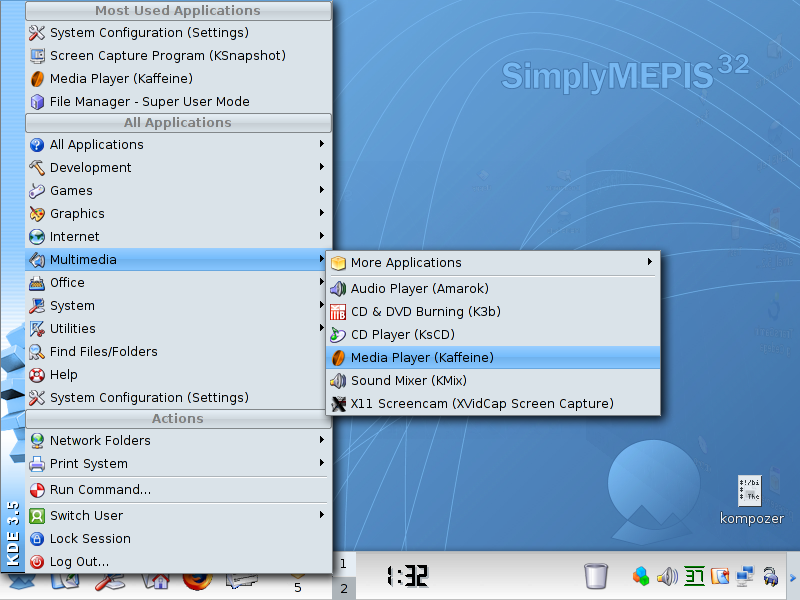 3: There is Kaffeine. I am going to go ahead and Maximize Kaffeine. 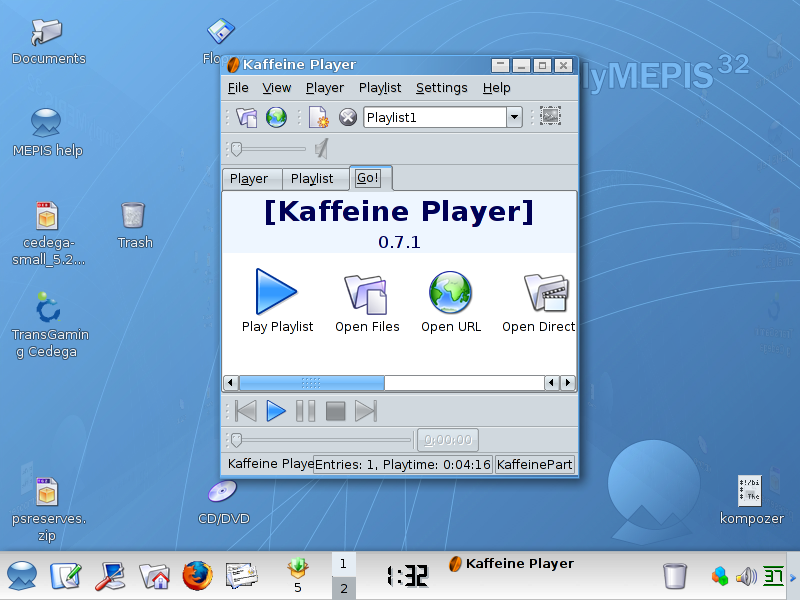 4: Alright, Kaffeine is now maximized. 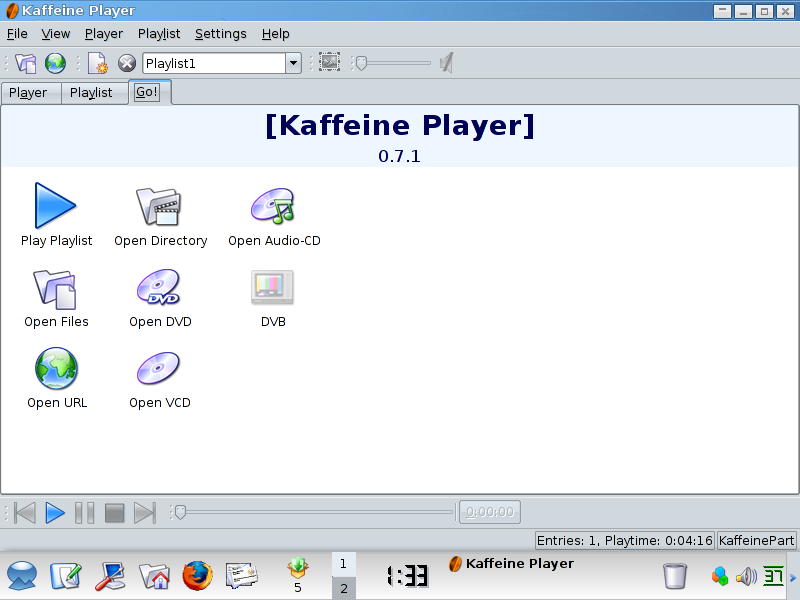 5: Left Clicking on Open DVD 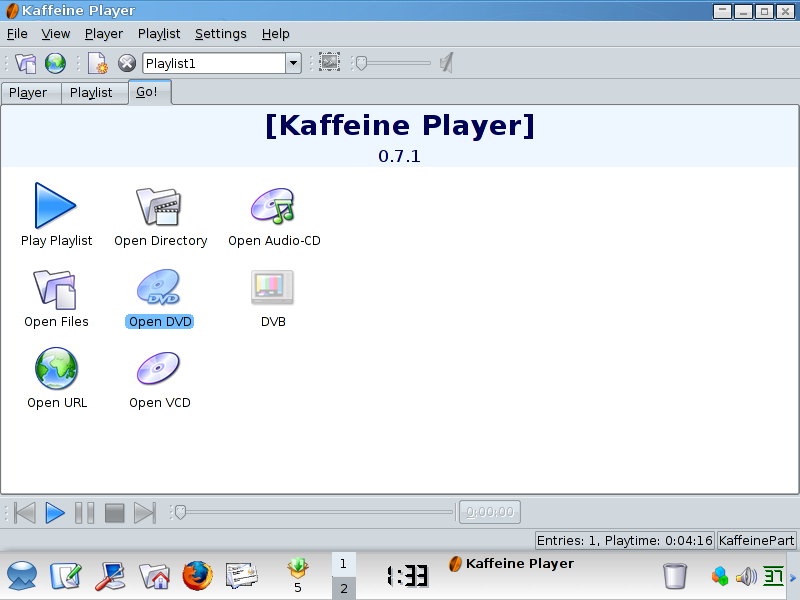 6: Which is promptly followed by an error that Kaffeine is unable to read the drive. In this case kaffeine is specifying cdrom1, which resulted from earlier attempts to obtain DVD playback. 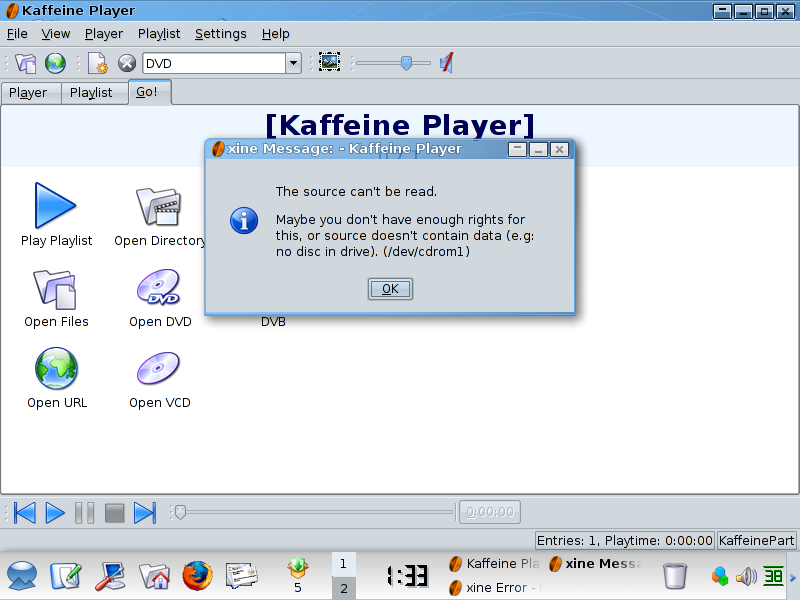 7: Left Click on Settings at the top of Kaffeine 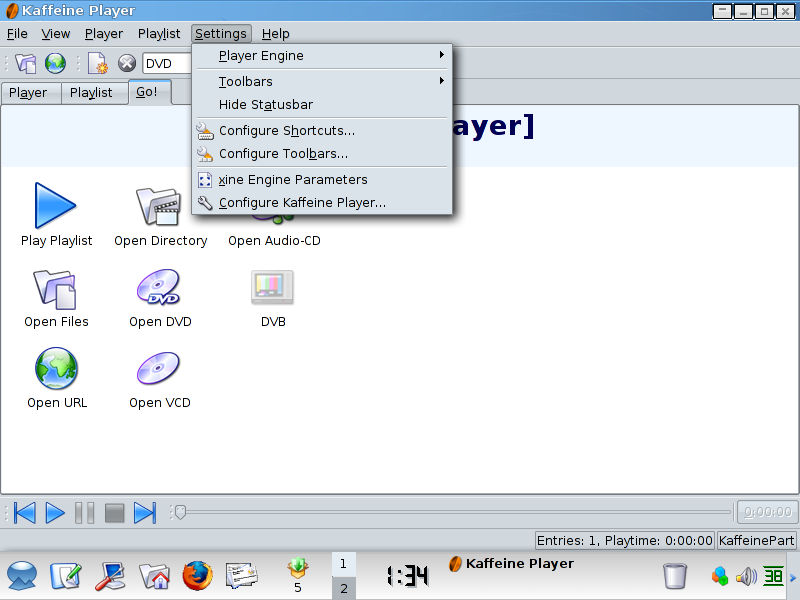 8: Left Click on xine Engine Parameters 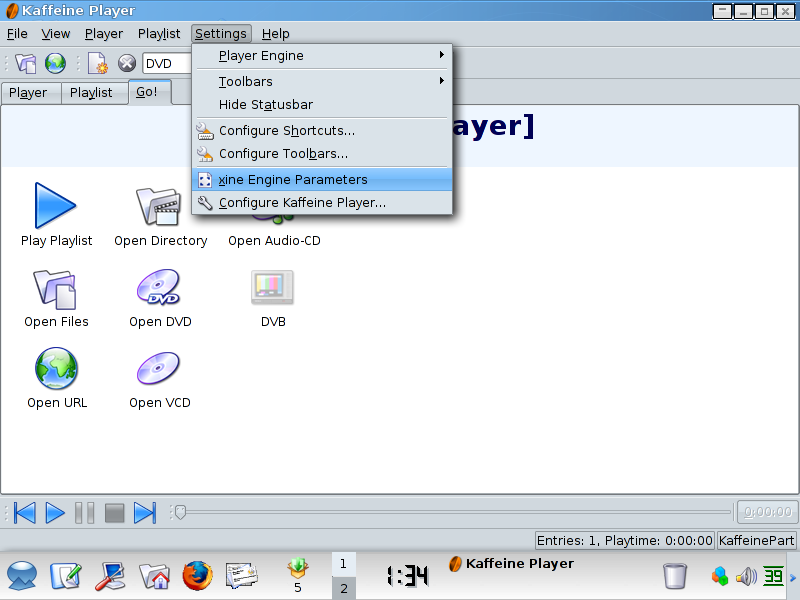 9: Typically the Engine Parameters will open up to ui  10: Left Click on media in the left hand column.  11: Here we can see our dvd.device which is currently specified as /dev/cdrom1 Most of the time this will be /dev/cdrom  12: Change /dev/cdrom to /dev/dvd  13: Left Click on OK  14: Now try to Open DVD  15: There we are. Have fun watching DVD's.      |